


Better drum covers and videos
Better drum covers and videos

Shopping Bag


Audigo pairs wireless mics with a mobile app that work as one system, built to capture your whole setup. Place your mics, hit record, and mix it all in the app. No extra gear, no cables, no studio time.

The Audigo app gives you all you need to record and mix drums with up to four mics, capturing the individual elements of your kit.

Name each mic by its placement then soundcheck them one at a time, or let Automatic Soundcheck set clean levels for you.

Use tags to identify tracks, then set level and balance. Adjust reverb, EQ, compression, delay, and stereo width for each track.

Post a drum cover to your socials or export a time-aligned multitrack to bring into your DAW. Invite other Audigo users to record into the same project with the Studio+ plan.
Real recordings from musicians using Audigo.


Mix a drum project recorded with four Audigo mics using our app simulator.
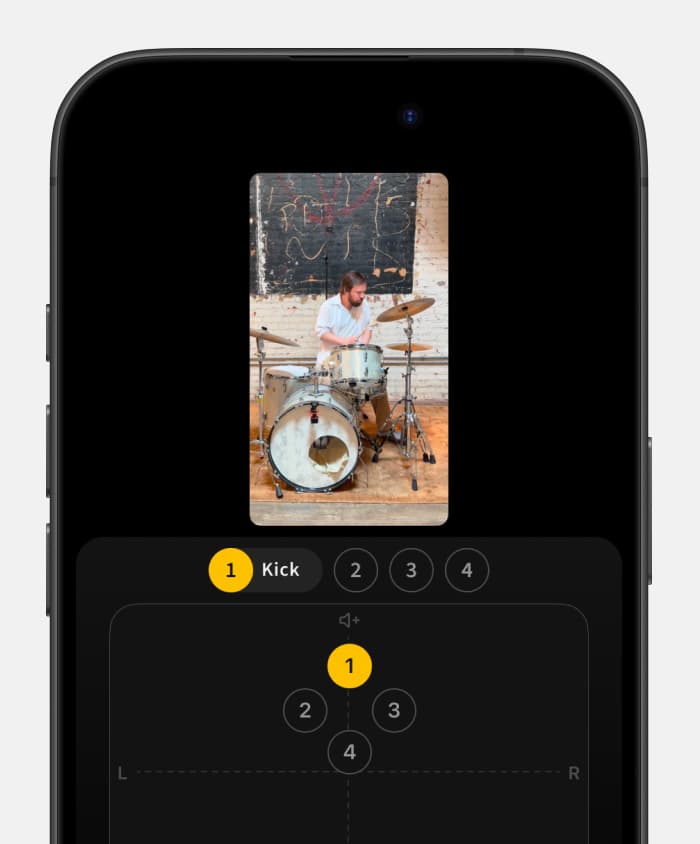
Enlarge your browser window, use a larger display, or re-orient your device to launch the app demo.
With a max SPL of 120 dB SPL, Audigo's mid/side, stereo width adjustable condenser microphones can handle most any setup. Stereo mode for overhead and room mics, directional mode for close mics.

Use on snare and kick or overhead and kick

Use on snare, kick and overhead to pick up more cymbal

Use on snare, kick, overhead and tom for more control over the mix
Audigo helps you record and mix great sounding audio and video with up to four mics at once. How do you want to use it?


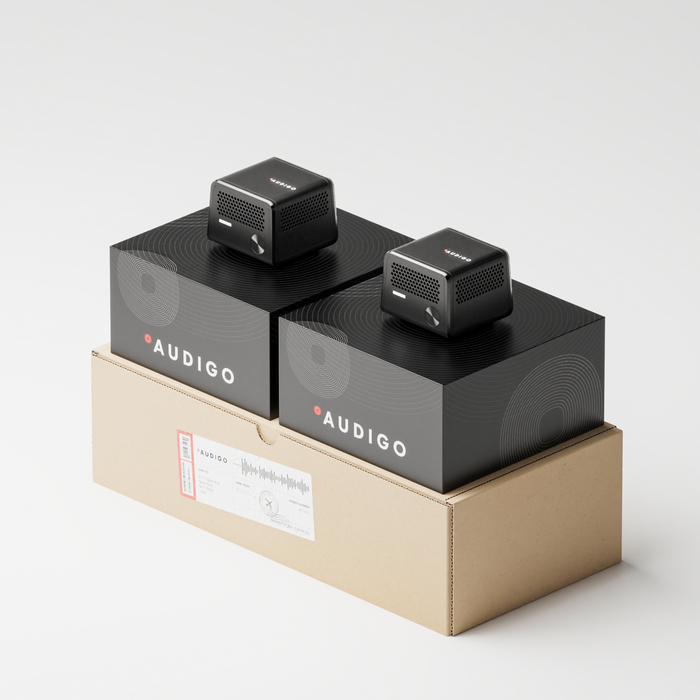
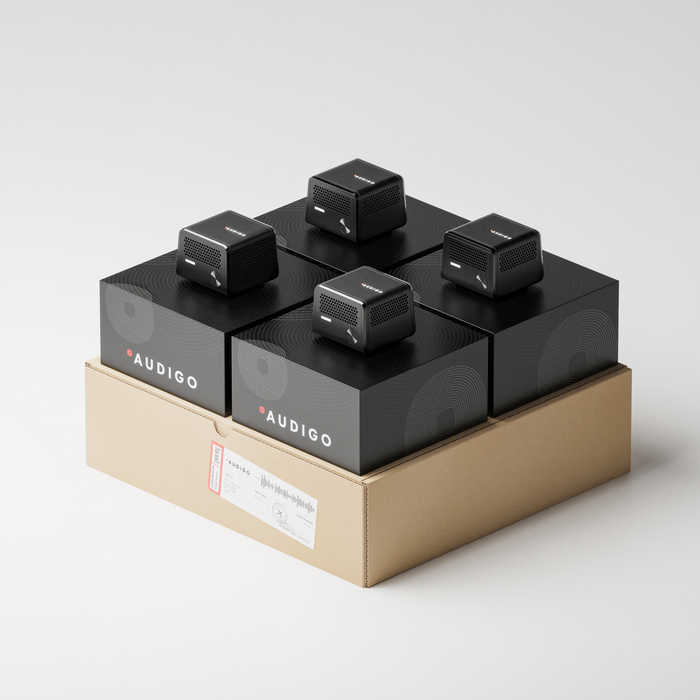
Two mics cover snare and kick. Three adds an overhead to bring in the cymbals. Four captures the full kit for the most control over your mix. Save more with every mic you add.
Multi-mic recording isn’t available on Android yet.
Recording with more than one mic requires the iOS app.
2 mics
 Recommended
3 mics
4 mics
Not yet. Multi-mic recording is currently only supported in the iOS app. The Android app records with one Audigo mic.
Yes. A video can be captured in the Audigo app and will be synced with the audio automatically.
How you set up will depend on how many mics you have, your playing style, and what sort of sound you are looking to get.
With two mics, we suggest mounting one on the snare and one on the kick. This works great for recording simple grooves comprised primarily of hi-hats, snare and kick.
If you have a third mic, we would suggest adding it overhead using a boom stand to pick up the cymbals, toms, and some overall room sound in stereo.
With a fourth mic, you could either add it as a second overhead mic, a room mic a few feet in front of the kick, or attach it to any of your toms to isolate that instrument more.
Yes. You can use any Audigo mics for multi-mic recording. You will need to pair any additional mics to the iPhone you record with.
We don't have our own accessories quite yet but we have a section further up on this page with links to some products you can use. And more on our accessories page.
You'll want to detach the magnetic "puck" from the base that came with your mic to use it with the bass clip we link to.
There is no latency when listening back to previously recorded or imported tracks when using headphones. When using wireless headphones, we recommend products from Apple or Beats for the best results. Other wireless products are not specifically tested with Audigo and performance may vary.
As audio is recorded to memory on the mic, then transferred to the phone, there is not a live monitoring option for what you are actively recorded.
For multi track recording, or when utilizing the metronome in the Audigo app, we recommend leaving a headphone out of one or adjusting AirPods to allow pass through audio so you can better hear what you are recording.
Audigo is wireless and supports multitrack recording with up to 4 mics currently, 8 later this year, offering more granular control of the audio capture and mix. You can shoot video in the app that syncs with the audio from the mics, and then add effects. We also offer cloud backup and in app remote collaboration with other Audigo users with our monthly Studio+ plan.
Links take you to Amazon.com where we may receive a commission on sales.

Clips to edge of drum rim. Use with 5/8” threaded Audigo magnetic multi-mount.
Order
Clips to edge of kick rim. Use with 1/4” threaded Audigo magnetic puck attachment.
Order

Use for guitar amps, kick drum, or on a desktop for voice over or podcast recording.
Order